PDF Editor

PDF Precision.
Enterprise Power.

Measure, annotate, and transform PDFs with 99.9% OCR accuracy. Professional editing for engineering, legal, and enterprise teams.
Screenshot coming soon

Key Features

Professional-grade tools designed for precision and productivity

Screenshot coming soon

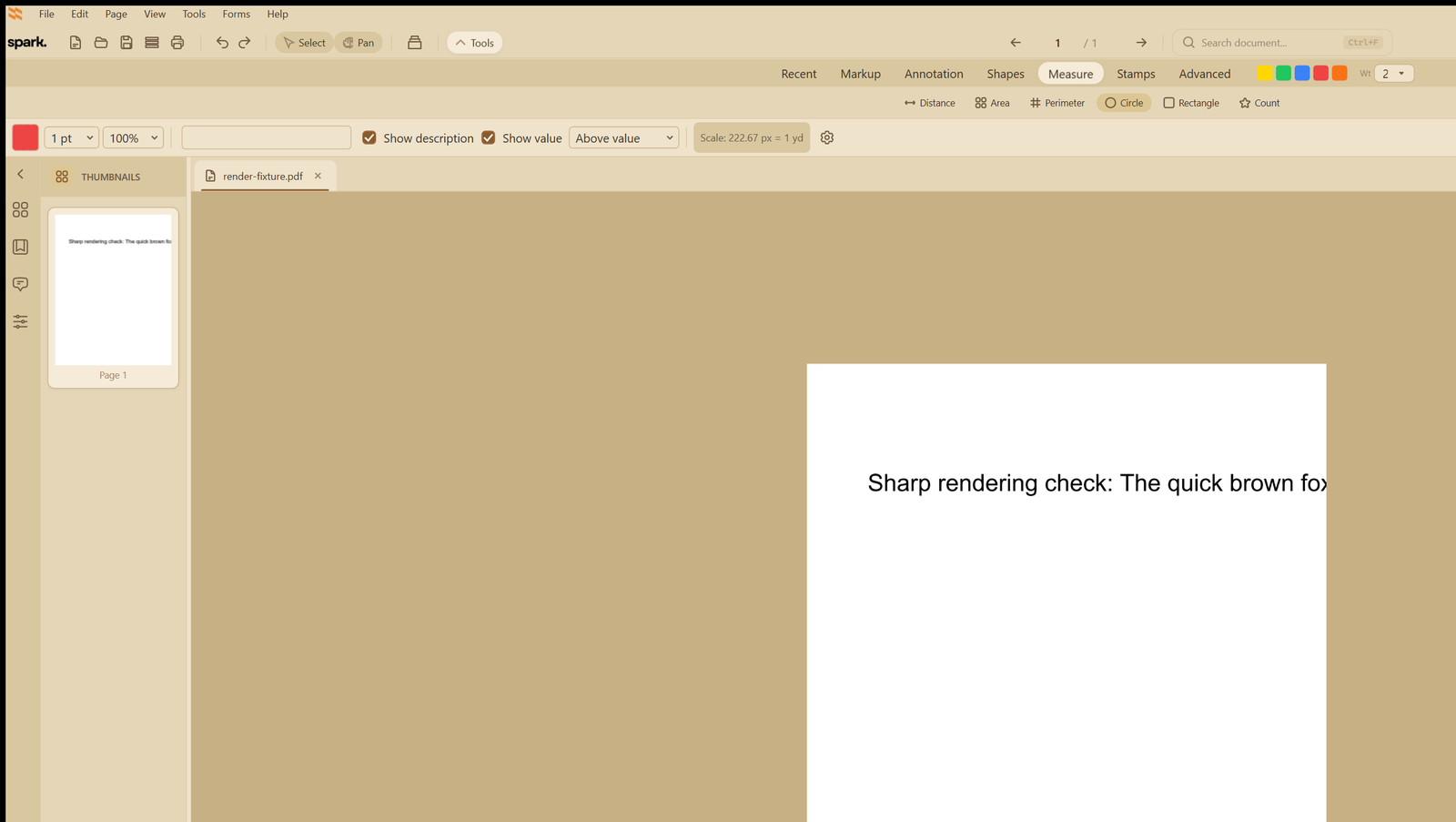
Precision measurement tools

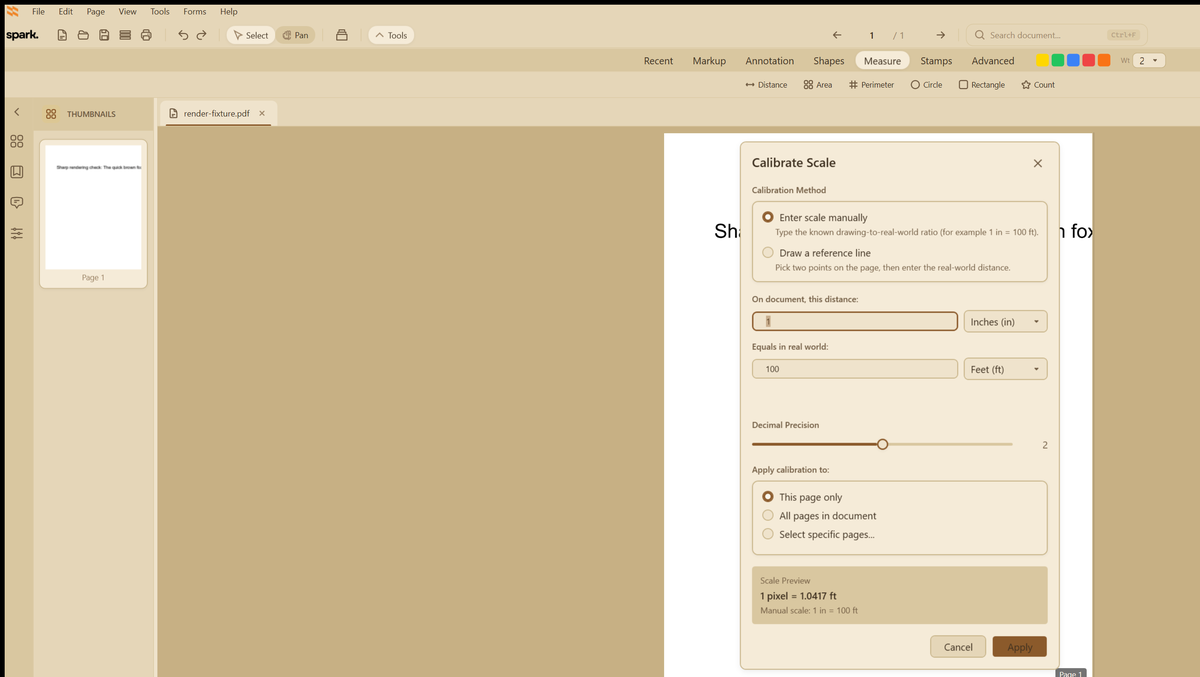
  • Scale calibration with custom ratios for any drawing
  • Distance, area, and perimeter measurement
  • Angle and volume calculations with coordinate readouts
  • Professional measurement legends and export
Screenshot coming soon

OCR that actually works

  • 99.9% accuracy with AI-enhanced recognition
  • Support for 190+ languages with mixed-language detection
  • Complex layout recognition and table preservation
  • Automatic image preprocessing and optimization
Screenshot coming soon

Enterprise-grade security

  • Permanent redaction — not just visual hiding
  • 256-bit AES encryption for data at rest and in transit
  • Digital signatures with certificate validation
  • Password protection and compliance tools

Advanced PDF Editing Capabilities

Professional-grade tools for every document workflow

Spark's comprehensive PDF editing suite transforms how you work with documents, providing enterprise-level capabilities in an intuitive interface. From precise measurements to automated workflows, every tool is designed for professional excellence.

Comprehensive Text Editing

  • Direct text modification in native and scanned PDFs
  • Intelligent font matching and styling preservation
  • Automatic paragraph reflow and text wrapping
  • Built-in spell check and find/replace functionality

Image & Graphics Management

  • Insert, replace, and edit images directly in PDFs
  • Crop, resize, and rotate graphics with precision
  • Advanced object alignment and distribution tools
  • Background removal and image optimization

Page Manipulation Suite

  • Rotate, delete, extract, and reorder pages effortlessly
  • Split documents by page range or bookmarks
  • Insert blank pages or pages from other PDFs
  • Thumbnail navigation with drag-and-drop organization

Form Creation & Processing

  • Interactive form field creation with intelligent detection
  • Custom data validation rules and calculations
  • Automatic form data extraction to Excel/CSV
  • Auto-fill capabilities and form template libraries

Advanced Annotation Toolkit

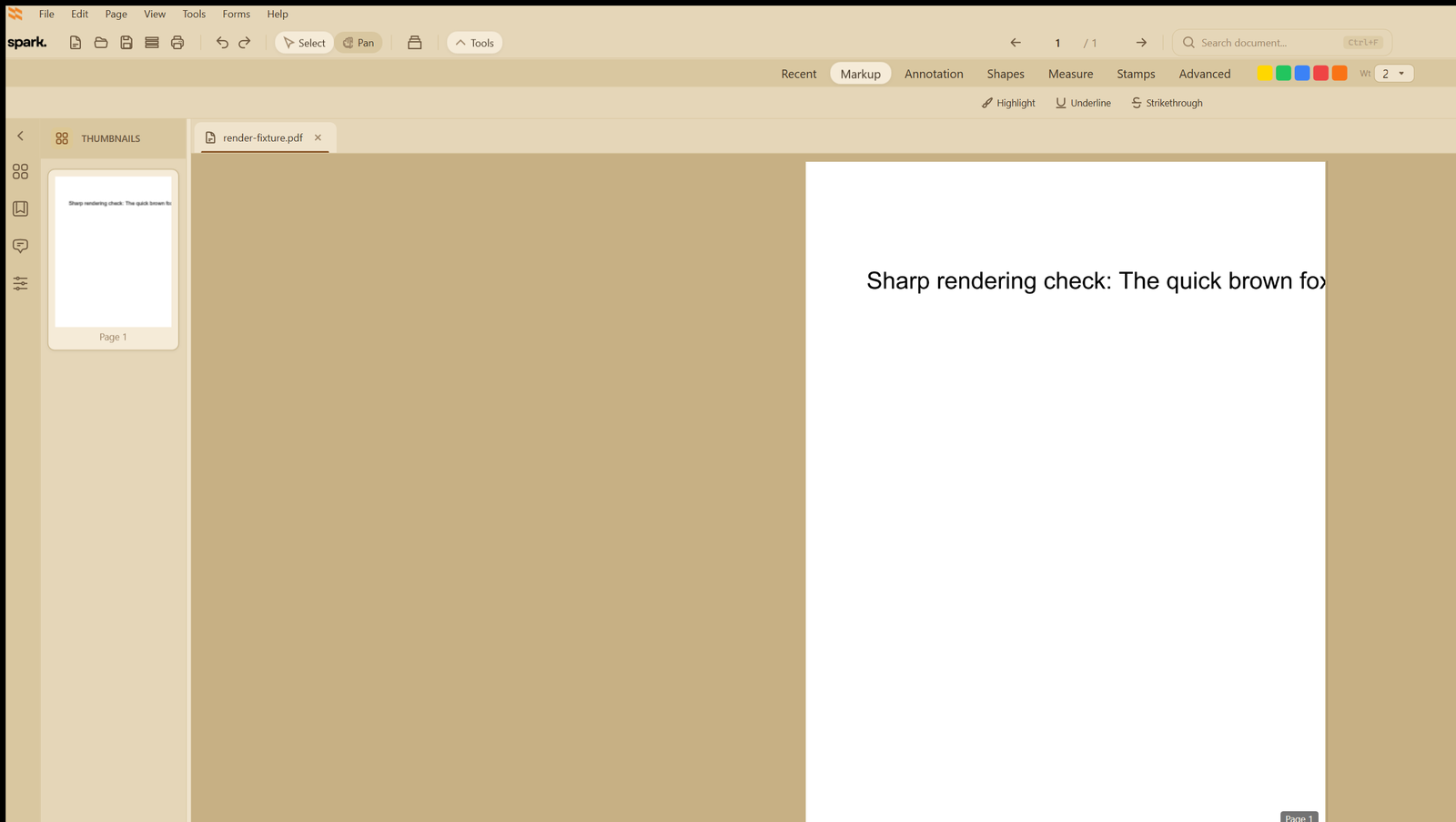
  • 15+ annotation tools: highlight, underline, strikethrough, and more
  • Custom stamps and digital signatures with timestamps
  • Freehand drawing with pressure sensitivity support
  • 3D model annotations and markup for technical drawings

Measurement Tools for Technical Drawings

  • Scale calibration with custom ratios for accurate measurements
  • Distance, area, and perimeter measurement tools
  • Angle and volume calculations with coordinate readouts
  • Professional measurement legends and export capabilities

Document Assembly

  • Merge multiple PDFs with bookmark preservation
  • Combine different file types: Word, Excel, images into single PDF
  • Create PDF portfolios with organized collections
  • Automatic table of contents generation from bookmarks

Redaction & Security

  • Permanent content removal (not just visual hiding)
  • Comprehensive metadata scrubbing for privacy
  • Search and redact sensitive terms automatically
  • Redaction preview before applying changes

Batch Processing Engine

  • Process 1000+ documents simultaneously
  • Create custom action sequences for repetitive tasks
  • Scheduled automation with queue management
  • Comprehensive error handling and detailed logging

OCR Excellence

  • 99.9% accuracy with AI-enhanced character recognition
  • Support for 190+ languages with mixed-language detection
  • Complex layout recognition and table structure preservation
  • Automatic image preprocessing and optimization

Digital Signature Workflows

  • PKI-based digital signatures with certificate validation
  • Timestamp authority integration for legal compliance
  • Multi-signature workflows with routing controls
  • Signature validation and verification tools

Accessibility Compliance

  • PDF/UA standard compliance for universal access
  • Screen reader optimization and navigation structure
  • Alt text for images and accessibility checker
  • Section 508 and WCAG 2.1 compliance tools

Technical Capabilities & Integrations

Enterprise-grade infrastructure for demanding document workflows

Professional Desktop & Cloud Access

  • Native Windows and Mac desktop applications
  • Web-based editor with no installation required
  • Mobile apps for iOS and Android devices
  • Offline mode with automatic cloud synchronization

Comprehensive File Format Support

  • Full PDF 1.3 through PDF 2.0 standard support
  • Export to Word, Excel, PowerPoint, and image formats
  • Import from 100+ file types seamlessly
  • PDF/A, PDF/X, and PDF/E archival standards

Enterprise Integration

  • SharePoint and OneDrive native integration
  • Google Drive and Dropbox synchronization
  • Document management system (DMS) connectors
  • RESTful API for custom integrations and workflows

Advanced Security Architecture

  • 256-bit AES encryption for data at rest and in transit
  • FIPS 140-2 compliant cryptography modules
  • Role-based access control (RBAC) and permissions
  • Single sign-on (SSO) and two-factor authentication support

Collaboration Infrastructure

  • Real-time co-editing with presence indicators
  • Comment threading and resolution workflows
  • Complete version history with rollback capability
  • Advanced change tracking and document comparison

Performance Optimization

  • Multi-threaded processing for faster operations
  • GPU acceleration for high-resolution rendering
  • Incremental loading for large document files
  • Intelligent compression optimization algorithms

Compliance & Auditing

  • GDPR compliance tools and data protection features
  • HIPAA-compliant workflows for healthcare documents
  • SOC 2 Type II certification and security attestation
  • Complete audit trail logging and forensic tracking

Workflow Automation

  • JavaScript action support for custom scripting
  • Webhook integrations with third-party services
  • Pre-built workflow templates for common tasks
  • Custom plugin development framework and SDK

How Spark Works

Three simple steps to streamline your PDF workflow

1

Import Documents

Upload PDFs from your computer, cloud storage, or scanner. Spark supports all PDF versions and file sizes.

2

Edit & Annotate

Use measurement tools, add annotations, extract text with OCR, or combine documents with our intuitive interface.

3

Export & Secure

Save with encryption, digital signatures, and compliance certifications. Export to multiple formats with confidence.

More tools at your fingertips

Form Creation

Build interactive PDF forms

Batch Processing

Process thousands of documents at once

Document Assembly

Merge, split, and organize PDFs

Digital Signatures

PKI-based signing workflows

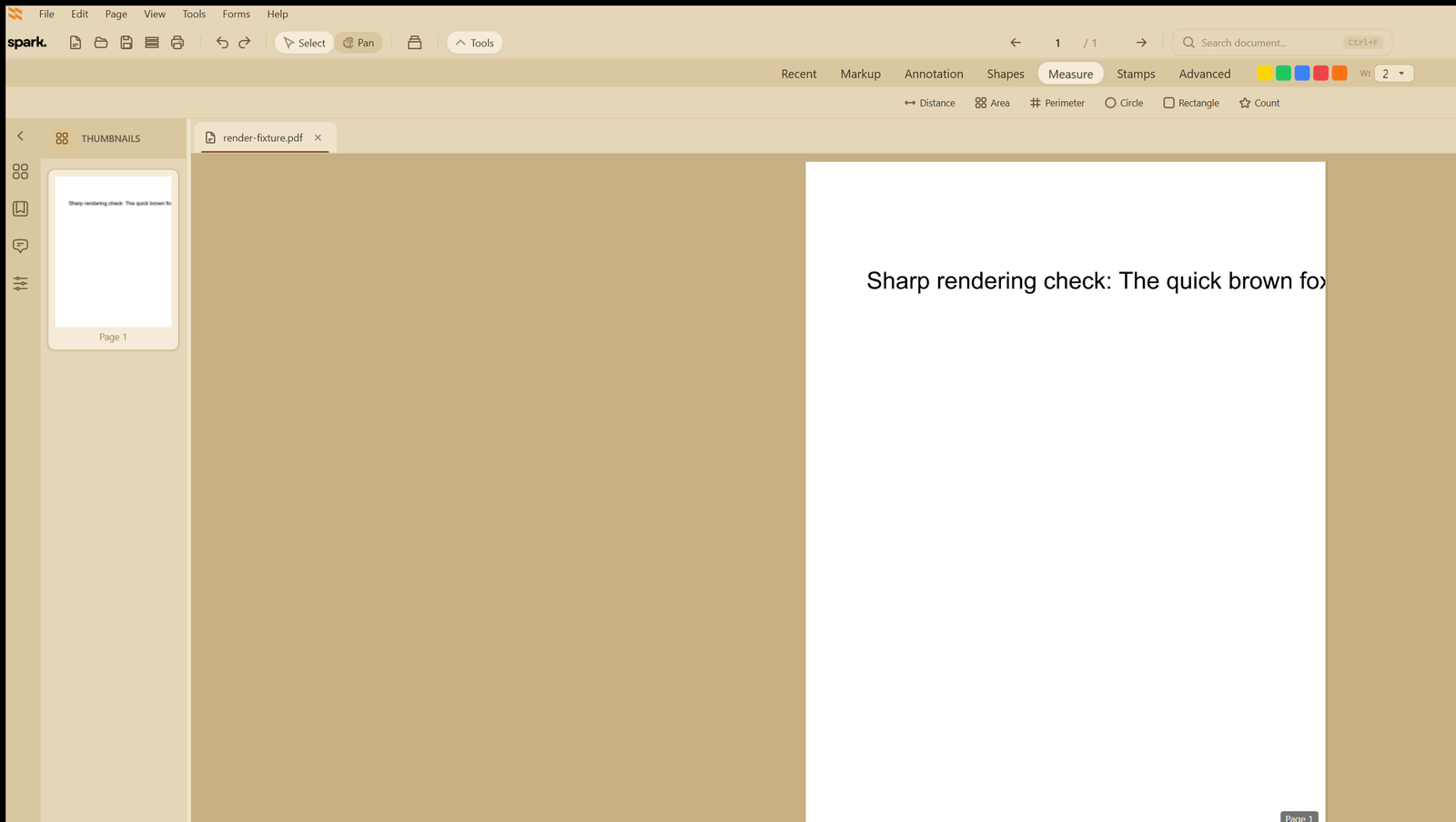
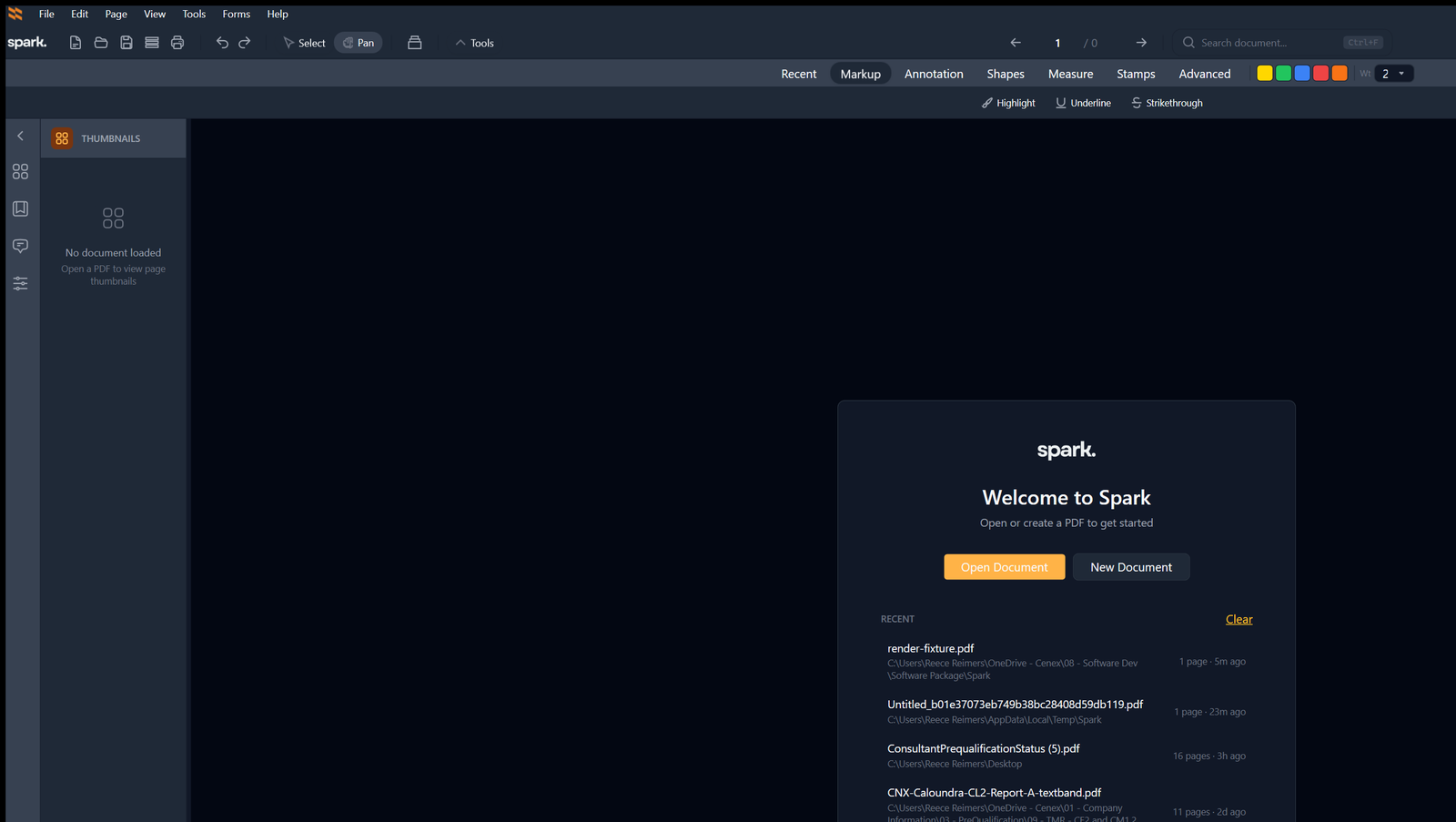
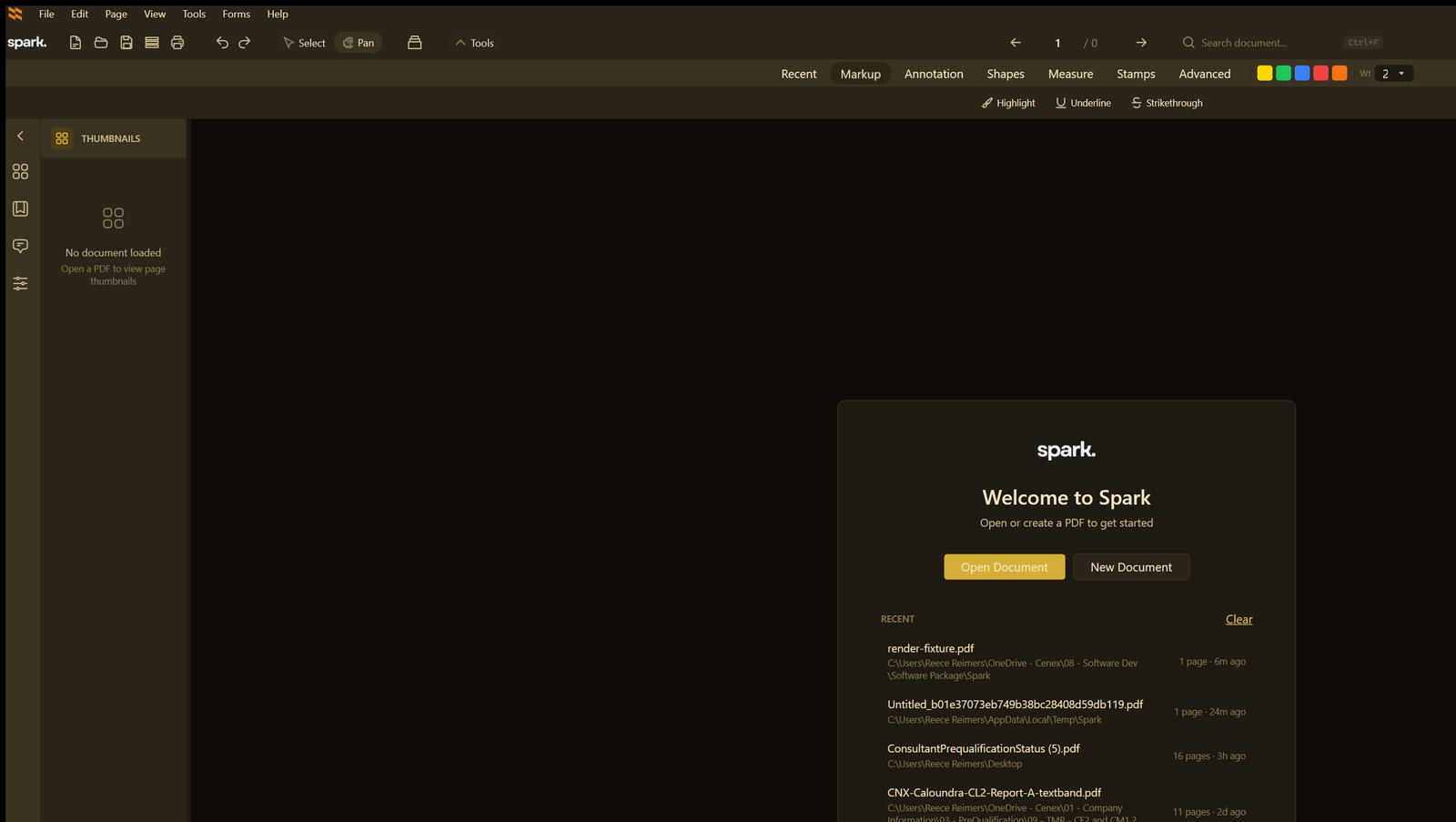
See Spark in action

Screenshot 1
Screenshot 2
Screenshot 3
Screenshot 4

Ready to revolutionize your workflow?

Start using Spark today and experience professional PDF editing with precision measurement and enterprise security.

— Documentation

Spark PDF User Guide

A complete, searchable reference for every tool and workflow in Spark PDF. Written in short, focused pages with exact click paths, tips and keyboard shortcuts.

Open the User Guide